
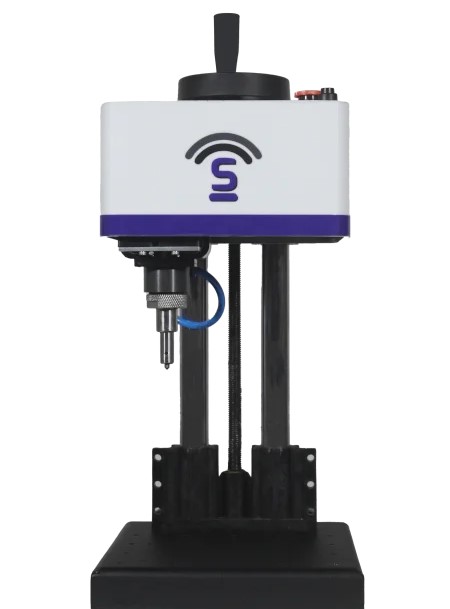
By Hateng Laser | 10 min read
A dot pin on a dot peen engraving machine like the HS107 doesn’t wear out by the month; it wears by the number of impacts and by how hard each one lands. Pin life depends mostly on the hardness of your parts, how deep you mark and how many characters you strike each day, so there’s no single figure that holds for every workshop. Replacing a pin costs more than the pin itself once downtime and rejected parts are counted.
Key insights
- Pin life is counted in impacts, not calendar time: a busy line wears a pin far faster than a machine used twice a week.
- Part hardness is the biggest single factor: marking hardened steel wears a pin much faster than marking aluminium.
- A worn pin shows up in the mark before it fails: shallow, blurred or uneven dots are the early warning.
- The real replacement cost is the downtime: a spare pin on the shelf is cheaper than a stopped line.
Keep one on the shelf
Order a spare pin with the machine, not after the first one wears. The pin is a small part, but waiting for one to arrive while parts queue up unmarked is the most avoidable cost in dot peen marking.
Almost nobody asks about pin life before buying a dot pin marking machine. It comes up months later, usually when a serial number starts looking faint, a scanner rejects a code, or someone spends an afternoon checking settings before noticing the pin tip has rounded off.
The good news is that pin wear is predictable once you know what drives it. It follows your parts, your depth settings and your volume, and all three are things you already know about your own production.
This guide covers what wears on a dot peen machine, what decides how long a pin lasts, how to estimate your own workload, how to catch wear early, and what a replacement really costs.
What actually wears on a dot pin marking machine?
Only one part is a true consumable. The others wear slowly and are maintenance items.
The marking pin
The pin, or stylus, strikes the part again and again to form each dot. Its tip takes every impact, so it’s the part that wears and gets replaced.
The pin guide
The guide holds the pin in line as it moves. When it wears, dots start landing slightly out of position rather than getting shallower, which is a useful way to tell it apart from pin wear.
The drive and moving parts
Whether the pin is driven by air or electrically, the mechanism behind it wears far more slowly than the tip. Telesis, a marking systems maker, advises buyers to understand how long parts such as springs, marking pins and marking tools will last before they need service or replacement.
| Part | Wears how | Replaced how often | Symptom when worn |
| Marking pin | Every impact | Most often | Shallow, blurred or uneven dots |
| Pin guide | Slowly, from pin movement | Occasionally | Dots out of position |
| Drive mechanism | Very slowly | Rarely | Inconsistent force or missed dots |
How long does a dot pin actually last?
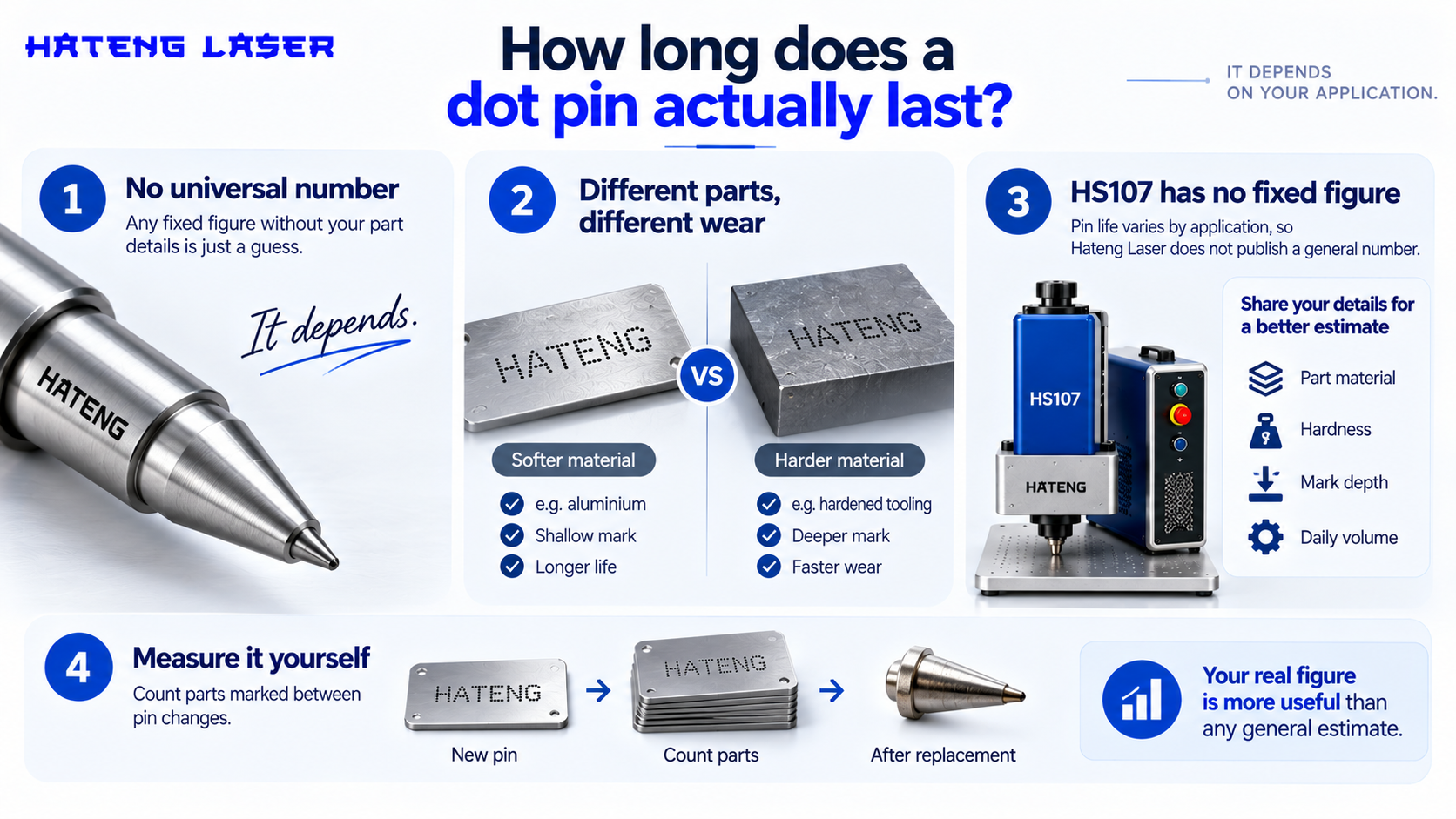
There isn’t a universal number, and any supplier who gives one without asking about your parts is guessing.
Why the answer is “it depends”
A pin marking soft aluminium nameplates at shallow depth could last many times longer than the same pin marking hardened tooling deep. The machine is the same. The workload is completely different.
The HS107 figure
Hateng Laser doesn’t publish a pin-life figure for the HS107, and pin life varies so much by application that a general number wouldn’t help much anyway. The most useful approach is to share your part material, hardness, mark depth and daily volume, and get an estimate based on your actual work.
What you can measure yourself
Count parts marked between pin changes. After the first replacement, you’ll have a real figure for your own line, which is worth more than any general estimate.
How do you estimate your own pin workload?
A quick calculation shows why volume matters so much. The numbers below are an example only; swap in your own.
Dots per mark
Each character is made of a number of dots, and the total depends on font, character size and dot spacing. Multiply dots per character by characters per mark to get dots per part.
Impacts per day
Multiply dots per part by parts per day. That’s how many times the pin strikes metal in a shift.
A worked example
| Input | Example value |
| Dots per character | 25 |
| Characters per serial number | 10 |
| Dots per part | 250 |
| Parts marked per day | 400 |
| Impacts per day | 100,000 |
| Working days per month | 25 |
| Impacts per month | 2,500,000 |
Machines strike quickly, typically between 200 and 300 impacts per second, so a pin reaches large impact counts much faster than people expect. Two workshops with the same machine can wear pins at completely different rates simply because one marks ten times more characters.
Why does part hardness change pin life so much?
Harder parts push back
Each impact deforms the part to form a dot. The harder the metal, the more the pin tip absorbs on every strike. The Telesis guide lists dot peen as suitable for materials with a hardness under 62 HRC, and parts near the top of that range are the hardest on pins.
Soft metals are gentle
Aluminium, brass and mild steel take a dot easily, so the pin tip does far less work per impact.
Depth multiplies the effect
The Instrumark guide puts typical dot peen depth at around 0.1 mm to 0.5 mm, depending on machine, material and settings. Deeper marks need harder strikes, and harder strikes wear the tip faster. Our guide to dot peen marking depth on industrial metal parts covers how deep different parts actually need to go.
| Material type | Relative wear on pin | Notes |
| Aluminium, brass | Low | Takes dots easily |
| Mild steel | Moderate | The common middle ground |
| Stainless steel | Higher | Tougher surface |
| Hardened tool steel | Highest | Near the upper hardness range for dot peen |
What else speeds up pin wear?
Marking deeper than you need
Many lines set maximum depth “to be safe”. If your mark only needs to survive handling, a shallower setting gives a readable mark and a longer-lasting pin.
Dirty or scaled surfaces
Mill scale, rust, weld spatter and rough castings are harder on the tip than clean machined surfaces.
Parts that move
A part that shifts during marking causes angled strikes, which are harder on the tip and produce poor dots at the same time.
How do you spot a worn pin before the marks fail?
Watch the dots, not the calendar
A sharp pin makes round, clean, evenly spaced dots. A worn pin makes wider, shallower and less defined ones.
Check codes with a scanner
If you mark Data Matrix or other scannable codes, falling read rates are often the first sign of wear, well before the mark looks bad to the eye.
Keep a reference sample
Mark a sample part with a new pin and keep it at the machine. Comparing today’s mark against it takes seconds.
| What you see | Likely cause | What to do |
| Dots wider and shallower | Worn pin tip | Replace the pin |
| Dots out of line | Worn pin guide | Check the guide |
| Some dots missing | Drive or air supply issue | Check the mechanism and supply |
| Uneven depth across the mark | Part not flat or not held firmly | Check fixturing |
| Code no longer scans | Worn pin or low contrast | Compare against a reference sample |
What does replacing a pin really cost?
The pin itself is a small part. The cost that hurts is everything around a pin that wasn’t ready.
The pin
Ask Hateng Laser for the current price and availability of HS107 replacement pins when you buy the machine, and keep at least one spare.
Downtime
If marking is a step in your production flow, a worn pin with no spare can stop parts moving until a replacement arrives.
Rejected and re-marked parts
Parts marked with a worn pin may fail inspection or scanning, and re-marking a part isn’t always possible without damaging it. Our article on hidden costs after buying a table top marking machine looks at pins alongside software and cables.
| Cost item | When it hits | How to avoid it |
| Replacement pin | Every pin change | Keep a spare in stock |
| Line downtime | When no spare is available | Order spares with the machine |
| Rejected parts | When wear goes unnoticed | Scanner checks and reference samples |
| Operator time | Troubleshooting the wrong fault | Check the pin first |
How can you make each pin last longer?
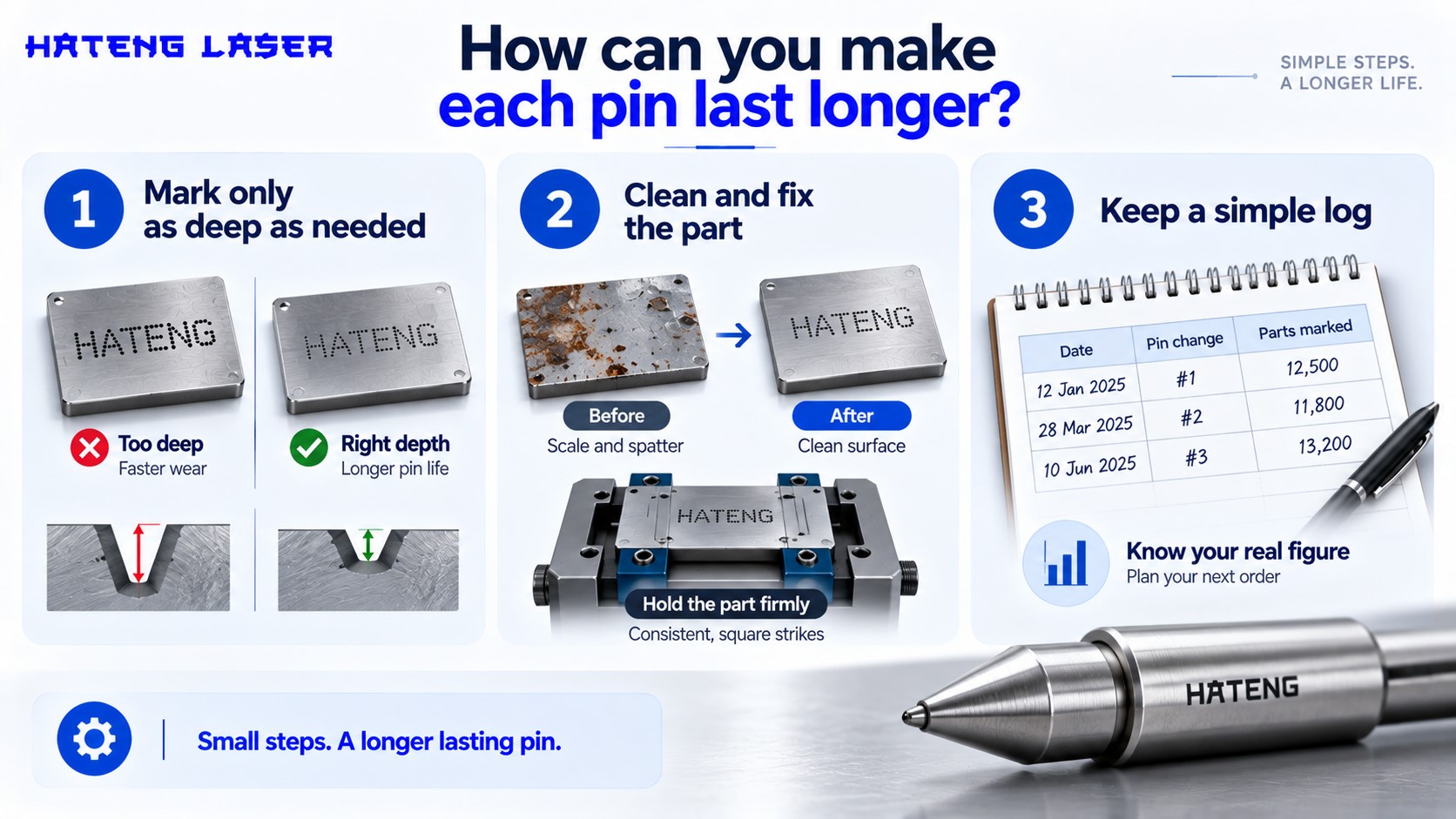
- Mark only as deep as needed: Set depth for what the part has to survive, then leave it there.
- Clean and fix the part: Remove loose scale and spatter from the marking area, and hold the part firmly so every strike lands square.
- Keep a simple log: Note the date of each pin change and the approximate parts marked. After two or three changes you’ll know exactly when to reorder.
Wrapping up
A dot pin lasts as long as your workload lets it. Soft parts, sensible depth, clean surfaces and firm fixturing stretch pin life a long way, while hard steel, maximum depth and high daily volumes shorten it. The replacement is simple. The expensive part is being caught without a spare or not noticing wear until codes start failing.
The HS107 table top dot pin machine makes permanent, physical marks, and a little planning around pins keeps it marking without interruption.
When you enquire about the HS107, share your part material, hardness, mark depth and daily volume, and ask Hateng Laser about spare pins at the same time.
FAQs
How long does a dot peen pin last?
There is no universal figure. Pin life depends on part hardness, marking depth, surface condition and the number of impacts per day. Tracking parts marked between pin changes gives you a reliable figure for your own line.
What are the signs of a worn dot pin?
Dots become wider, shallower and less defined, marks look faint or blurred, and scannable codes start failing to read. Comparing current marks against a reference sample made with a new pin shows wear early.
Does marking hardened steel wear the pin faster?
Yes. Harder metals resist each impact, so the pin tip absorbs more wear per dot. Dot peen marking generally works on metals under about 62 HRC, and parts near that limit are hardest on pins.
Can I reduce pin wear on a dot pin machine?
Yes. Mark only as deep as the part needs, clean scale and spatter from the marking area, hold parts firmly in a fixture, and log pin changes so replacements are planned rather than urgent.
What is the pin life of the HS107?
Hateng Laser does not publish a fixed pin-life figure for the HS107, since it varies widely by application. Share your material, hardness, mark depth and daily volume with Hateng Laser for an estimate based on your work.
Should I keep a spare marking pin?
Yes. A spare pin costs little compared with a stopped marking step or parts rejected for poor marks. Order at least one with the machine so replacement never depends on delivery time.