
Summary
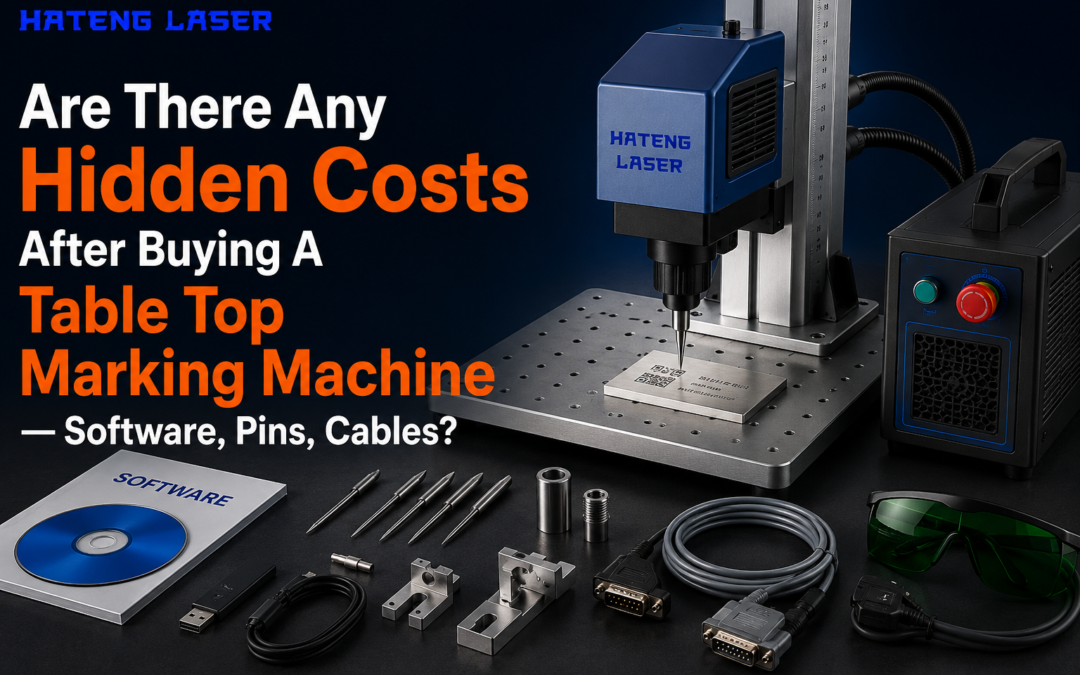
Yes, hidden costs can appear after purchase. Software licences may be separate. Fixtures, cables, and spare parts can add up. Dot peen systems may need pins. Laser systems may need lenses, filters, and extraction support. Service, training, and downtime also matter.
Introduction
Buying a table top marking machine is only the first step. Many buyers focus on the machine price alone. That often leads to budget surprises later.
The real cost depends on how you use the system. A laser marking system may need software, fixtures, or fume control. A pin-based unit may need consumables and wear parts.
This guide shows the costs people often miss. It also explains what to check before you buy from Hateng Laser. You will know what is included, what is extra, and what to ask before payment.
What hidden costs usually appear after purchase?
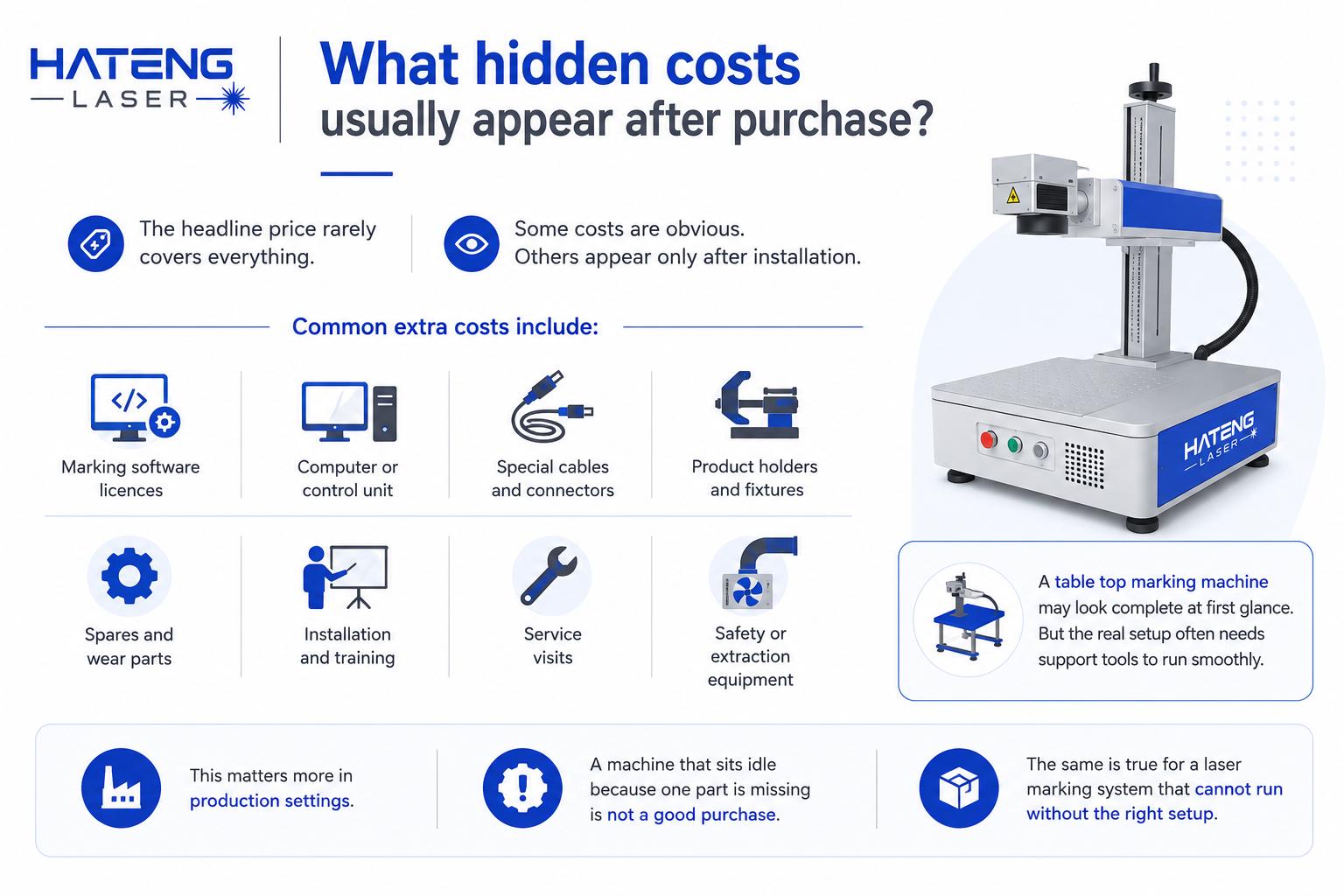
The headline price rarely covers everything. Some costs are obvious. Others appear only after installation.
Common extra costs include:
- Marking software licences
- Computer or control unit
- Special cables and connectors
- Product holders and fixtures
- Spares and wear parts
- Installation and training
- Service visits
- Safety or extraction equipment
A table top marking machine may look complete at first glance. But the real setup often needs support tools to run smoothly.
This matters more in production settings. A machine that sits idle because one part is missing is not a good purchase. The same is true for a laser marking system that cannot run without the right setup.
Is software always included?
Not always. This is one of the most common surprises.
Some machines include basic marking software. Others charge separately for advanced features. These may cover file imports, batch coding, serial numbering, or custom layouts.
Software costs to check
| Software item | Possible extra cost? | Why it matters |
| Basic marking software | Sometimes | Needed to start work |
| Advanced licence | Often | Better control and features |
| Update access | Sometimes | Keeps system current |
| Remote support | Sometimes | Helps with setup and issues |
A table top marking machine may work with simple software for standard jobs. But a growing business often needs more control. That can mean a higher software bill later.
For a laser marking system, ask whether software is lifetime, annual, or per-device. That one detail can change the real cost a lot.
Do pins, lenses, and cables add to the bill?
Yes, depending on the marking technology.
For dot peen systems, pins are wear parts. They may need replacement after repeated use. For laser systems, the equivalent costs are often lenses, filters, and protective parts.
Consumables and spares by system
| Item | Dot peen / pin system | Laser system |
| Pins or stylus | Usually yes | No |
| Lenses | No | Often yes |
| Filters | No | Often yes |
| Cables | Sometimes | Sometimes |
| Fixtures | Usually yes | Usually yes |
Cables may seem minor. Yet custom cables or long replacement cables can be expensive. So can connectors, pedal switches, and power accessories.
A table top marking machine should always be checked for included accessories. Ask whether the quotation covers all working parts. A low base price can hide several missing items.
What installation and setup costs are easy to miss?
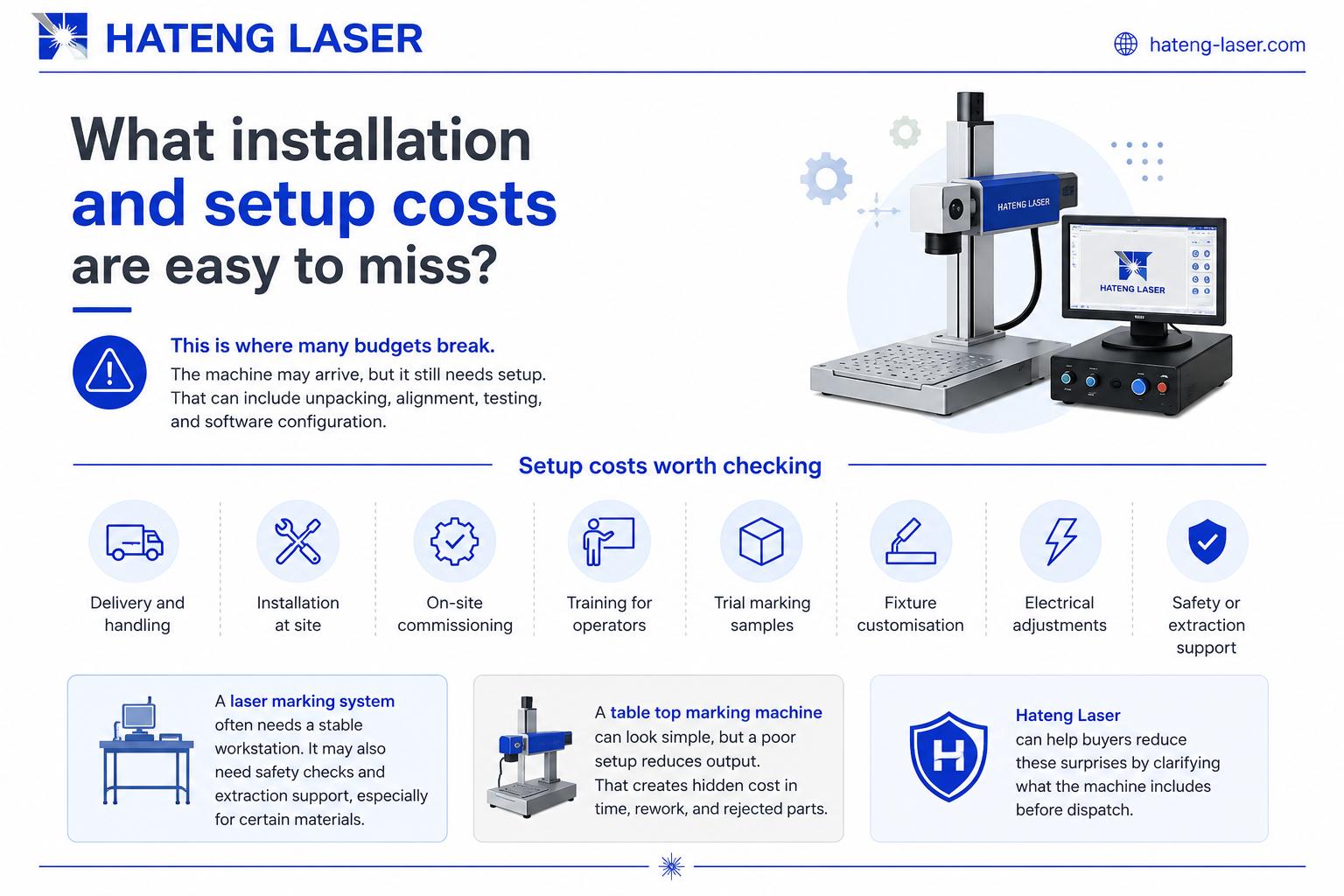
This is where many budgets break.
The machine may arrive, but it still needs setup. That can include unpacking, alignment, testing, and software configuration. Some buyers also need operator training.
Setup costs worth checking
- Delivery and handling
- Installation at site
- On-site commissioning
- Training for operators
- Trial marking samples
- Fixture customisation
- Electrical adjustments
A laser marking system often needs a stable workstation. It may also need safety checks and extraction support, especially for certain materials.
A table top marking machine can look simple, but a poor setup reduces output. That creates hidden cost in time, rework, and rejected parts.
Hateng Laser can help buyers reduce these surprises by clarifying what the machine includes before dispatch.
How do service and maintenance affect the total cost?
Service is not optional. It is part of ownership.
Some businesses buy a machine without asking about future maintenance. That is a mistake. Even reliable systems need periodic checks.
Ongoing cost areas
| Cost area | Why it appears |
| Annual servicing | Prevents breakdowns |
| Spare parts | Replaces worn components |
| Software support | Keeps system usable |
| Cleaning materials | Maintains performance |
| Downtime | A hidden business loss |
For a table top marking machine, maintenance may seem small at first. But a busy workshop cannot afford repeated stoppages.
A laser marking system may need lens care, filter replacement, or alignment checks. These are normal ownership costs. They should be budgeted from day one.
The safest approach is to ask for a service plan before purchase. That gives a clearer view of the full cost.
How can you compare true ownership cost before buying?
Do not compare only the machine price. Compare the whole package.
Use this checklist before purchase
- Ask what is included in the quotation.
- Ask whether software is licensed or lifetime.
- Ask which consumables will wear out.
- Ask whether cables and fixtures are included.
- Ask about training and installation.
- Ask about service response time.
- Ask for likely annual maintenance costs.
| Option | Lower upfront cost | Lower long-term cost | Best for |
| Basic machine only | Yes | No | Very small usage |
| Full package | No | Yes | Regular production |
| Custom setup | No | Sometimes | Special jobs |
A table top marking machine may look cheaper in a basic quote. But a complete package is often better value.
The same applies to a laser marking system. A machine that looks expensive can still be cheaper overall if it avoids repeated add-ons.
What should buyers in India ask before placing the order?
Indian buyers should ask practical questions. That is especially important for factory use in cities like Thane, Pune, Ahmedabad, Rajkot, and Faridabad.
Ask these before finalising:
- Is GST included?
- Is installation included?
- Are software updates free?
- Are consumables available locally?
- Is after-sales support available in India?
- Are spares easy to source?
These questions matter because downtime is costly. Local support reduces delay. It also helps you keep production moving.
For a table top marking machine, local service can be as important as the machine itself. For a laser marking system, service access becomes even more valuable when the machine runs daily.
FAQ
Are software charges always extra after buying a table top marking machine?
Not always. Some machines include basic software. Others charge extra for advanced features, updates, or multiple-user access.
Do laser machines need consumables like pin systems?
No, not pins. But they may need lenses, filters, or protective parts depending on the model and use.
Are cables part of the machine price?
Sometimes yes, sometimes no. It depends on the package. Always check whether all required cables are included.
What is the biggest hidden cost?
Usually setup, software, and service. These costs can matter more than small parts when you calculate total ownership.
How do I avoid surprise costs?
Ask for a full quotation, including software, installation, training, spares, and maintenance support.
Conclusion
A machine price is only the starting point. The real cost includes software, cables, fixtures, service, and sometimes consumables.
That is why buyers should review the full ownership picture before ordering a table top marking machine. The same rule applies to any laser marking system. A clear quote now can save money later.
Hateng Laser can help you compare the complete setup, not just the basic machine. Talk to Expert and make your purchase with confidence.